

Tech Checklist for Moving to Canada: Set These Up Before You Fly
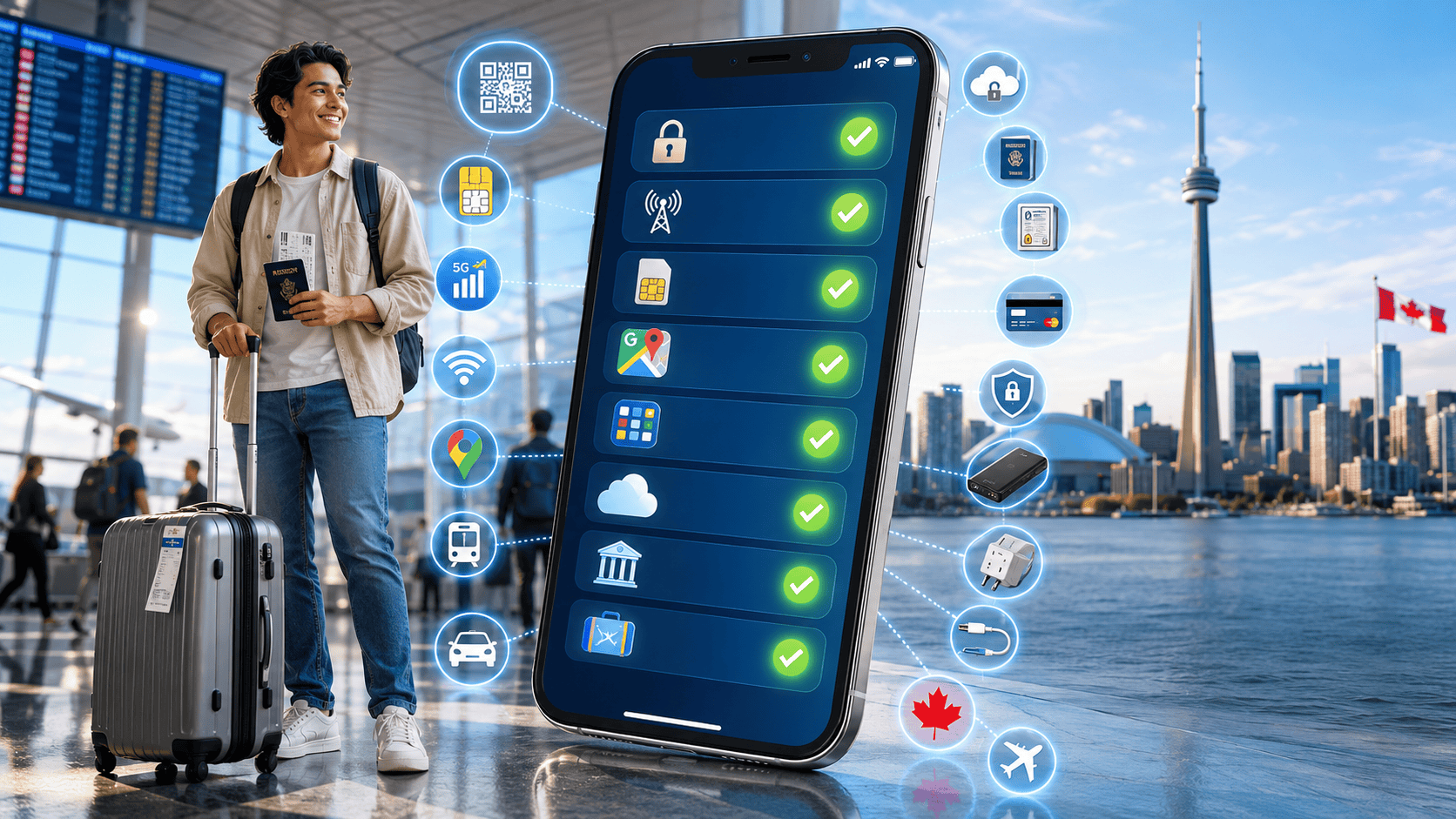
Your technology checklist for moving to Canada should be done before you board, not after you land. Unlock your phone, confirm it works on Canadian networks, sort out a phone number, download the apps you'll need on day one, and back up your documents. Each of these is far harder to do while standing in an arrivals hall with no internet.
Key takeaways
- Unlock your phone while you're still in your home country — it's usually easier from there.
- Check your phone's band compatibility using its exact model number, not the marketing name.
- Arrange a Canadian number before departure if you want to be reachable immediately.
- Download maps, transit, and ride-hailing apps before you fly, while you have wifi.
- Back up ID documents to secure cloud storage and keep offline copies too.
What should you do with your phone before you fly?
Three things, in this order: unlock it, check compatibility, and decide how you'll get connected on arrival.
1. Unlock your phone. A locked phone only accepts SIM cards from the carrier that sold it. Contact your current carrier and request an unlock before you leave. Some require your account to be paid off or active for a minimum period, so start early — a week or two ahead, not the night before.
2. Check band compatibility. Canadian networks use specific radio frequency bands. A phone sold in another region may support different ones. Look up your exact model number and confirm it covers the bands used here. If it doesn't fully match, you may still get service, just on fewer bands with weaker performance in some spots.
3. Decide on connectivity. You have real options: buy at the airport, use roaming from your home carrier, or set up a Canadian SIM or eSIM before you fly. An eSIM is a SIM built into your phone that you activate by scanning a code, which is why it can be arranged in advance. Roaming means using your home plan in Canada, billed by your home carrier, usually at high rates.
If you'd rather land already connected, read buying a Canadian SIM before you land and see how activation works.
Before You Order: Check Whether Your Phone Supports eSIM
Network compatibility and eSIM compatibility are not the same thing. Your phone may work on Canadian networks but still require a physical SIM.
If you want an eSIM, check your exact phone model and regional version before ordering. An “Add eSIM” option or an EID in your phone settings is a useful sign, but model and carrier restrictions can still matter.
Not sure about your device? Use the eSIM Compatible Devices list to check iPhone, Samsung Galaxy, Google Pixel and other supported phones.
If your phone does not support eSIM, that does not necessarily mean you need a new phone. A compatible physical SIM may still work.
Which apps should you download before departure?
Download these while you still have reliable wifi. Some are much harder to set up without a working data connection or a local number.
| Category | Why you need it on day one |
|---|---|
| Offline maps | Getting from the airport to your accommodation without data |
| Transit apps | Local bus, subway, and train schedules |
| Ride-hailing | Airport to accommodation, late-night travel |
| Messaging | Telling family you landed safely |
| Translation | Useful in the first few weeks |
| Banking (home country) | Access to your existing money before Canadian banking is set up |
| Cloud storage | Your documents, accessible from any device |
| Password manager | You'll be creating a lot of new accounts |
Download offline map data for your destination city specifically — not just the app. Google Maps and similar apps let you save a region for offline use, which is genuinely useful if your data doesn't work immediately.
Do you need a Canadian phone number right away?
You don't strictly need one to enter the country, but it makes almost everything easier from the first week.
Here's the honest picture. A Canadian number helps with rental applications, job callbacks, delivery notifications, appointment confirmations, and SMS verification codes for Canadian services. Many of these will accept an international number or an email instead — but landlords and recruiters do tend to call back local numbers, and some Canadian services only send verification texts to Canadian numbers.
So: helpful, often smoother, not universally required. Don't let anyone tell you it's mandatory for banking, jobs, or immigration paperwork — that overstates it. But if you're job hunting or apartment hunting, having one ready removes real friction. See getting a Canadian number for your job hunt and renting in Canada.
What documents should you back up?
Everything you'd struggle to replace from abroad. Do this in two forms — cloud and offline.
- Passport and visa or permit documents. Photo of every page that has a stamp or endorsement.
- Immigration paperwork. Letters of introduction, permits, approval letters.
- Academic records. Transcripts, degrees, enrolment letters, offer letters.
- Employment documents. Job offer, contract, reference letters.
- Financial records. Bank statements, proof of funds, credit references from home.
- Medical records. Vaccination history, prescriptions with generic drug names, any ongoing conditions.
- Insurance documents. Travel and health coverage details.
Save these to encrypted cloud storage, keep a copy on your phone that works offline, and carry printed copies of the most critical ones in your carry-on. Never put originals in checked luggage.
For official document requirements, check the Government of Canada's page for new immigrants rather than relying on secondhand advice.
What about banking and payments?
Set expectations now: you generally can't open a Canadian bank account until you arrive, and most banks want you there in person with your documents.
What you can do before you fly:
- Tell your home bank you're travelling, so they don't freeze your card for unusual activity.
- Check your card's foreign transaction fees and daily withdrawal limits.
- Bring more than one card, stored separately, in case one is lost or blocked.
- Research newcomer banking packages so you know what to ask for when you arrive.
- Carry a modest amount of Canadian cash for the first day.
A Canadian phone number is often useful when setting up online banking here, because of SMS verification — though policies differ by bank and some accept alternatives. More detail in do you need a Canadian phone number for a bank account.
Electrical and hardware details people forget
Canada uses Type A and Type B plugs at 120V, 60Hz. If you're coming from a 220–240V country, check whether your devices are dual-voltage.
Most modern phone and laptop chargers handle 100–240V automatically — look for that range printed on the charger brick. Hair dryers, kettles, shavers, and older appliances often aren't dual-voltage and will be damaged by the wrong voltage. A plug adapter alone doesn't convert voltage; you'd need a converter for those.
Also worth packing: a power bank for the flight and arrival day, a spare charging cable, and a small multi-port charger so you're not hunting for outlets.
Your pre-departure checklist, in order
- Request a phone unlock from your current carrier (start 1–2 weeks early).
- Check your phone's band compatibility for Canadian networks.
- Arrange a Canadian SIM or eSIM if you want service on landing.
- Download and set up all day-one apps, including offline maps.
- Back up documents to cloud storage and save offline copies.
- Notify your home bank of travel dates.
- Check charger voltage ratings and pack the right adapters.
- Save emergency contacts, your accommodation address, and your school or employer contact somewhere accessible offline.
- Charge everything and pack a power bank in your carry-on.
For what comes after you land, see our first week in Canada checklist.
FAQ
Can I set up a Canadian phone number before I arrive in Canada?
Often yes, particularly with an eSIM, which can be delivered digitally and activated when you land. Activation timing and requirements vary by provider — some activate on arrival, some earlier. Check the specific provider's activation terms before ordering so you know what to expect.
Will my phone from my home country work in Canada?
It depends on two things: whether it's unlocked, and whether it supports Canadian network bands. Most recent flagship phones work fine. Regional variants and older models are less predictable. Check your exact model number against the band list before you fly rather than hoping.
Should I use roaming or buy a local SIM?
Roaming is convenient for a few days but usually expensive for longer stays. A local SIM or eSIM generally costs less if you'll be here for weeks or months. If you're only visiting briefly, roaming or a short travel plan may be simpler. Compare the total cost for your actual trip length.
What apps do most newcomers wish they'd downloaded earlier?
Offline maps, the local transit app for their specific city, and a ride-hailing app. These are the ones you need in the first hour after landing, when your data situation might still be unresolved. Set them up on wifi before you leave.
Do I need a VPN in Canada?
Not for general internet access — Canada doesn't restrict ordinary web use. Some people use one to access home-country streaming services or for privacy on public wifi. That's a personal choice, and you should check the terms of any service you're accessing.
How much mobile data should I plan for in my first month?
More than you think, because you'll be navigating unfamiliar places, video-calling home, and doing setup tasks on your phone before home internet is installed. Starting with a larger allowance for month one and adjusting later is a reasonable approach.
Getting your phone sorted is the piece that unlocks everything else. Compare plans or see how activation works before you fly.
Follow Get Canada Sim on Google
Make Get Canada Sim a preferred source to find our latest Canada SIM and eSIM guides in Google Search.