

How to Activate a Canadian eSIM in 5 Minutes (iPhone & Android)
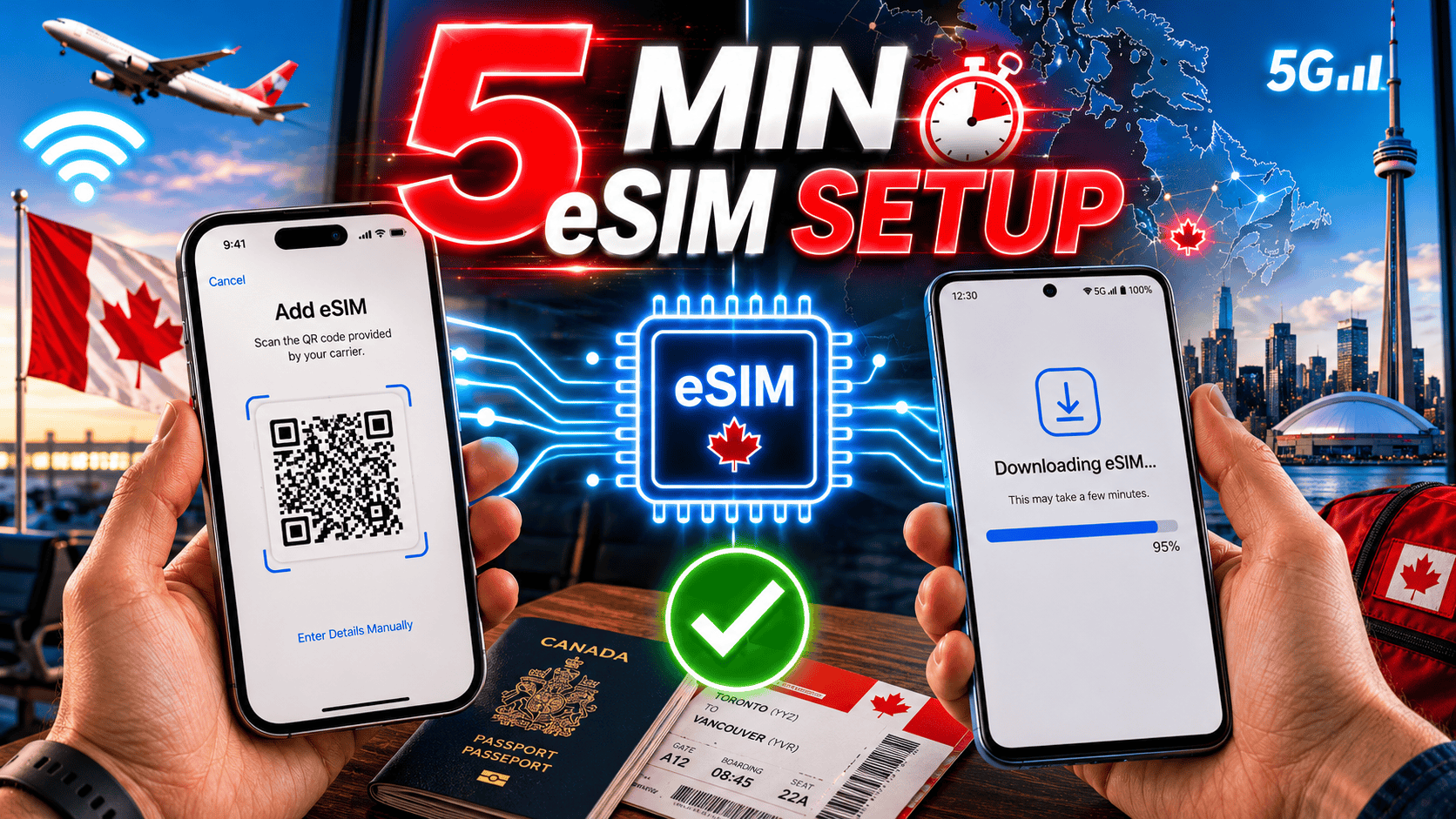
To activate a Canadian eSIM, connect to Wi-Fi, open your phone's cellular settings, scan the QR code from your provider, and follow the prompts to add the plan. On most iPhones and Android phones, this takes about five minutes. An eSIM is a digital SIM built into your phone, so there's no plastic card to insert or swap.
This guide walks you through how to activate an eSIM in Canada on both iPhone and Android, when to do it, and what to try if something goes wrong.
Key takeaways
- You can activate a Canadian eSIM in about 5 minutes over Wi-Fi.
- Install the eSIM before you fly, but wait to turn it on until you land (unless your provider says otherwise).
- You'll need a stable Wi-Fi connection and the QR code or activation details from your provider.
- Keep a screenshot of the QR code as a backup in case you lose the email.
- If activation fails, most problems come down to Wi-Fi, a phone that isn't eSIM-ready, or a QR code that was already used.
Before activating your Canada SIM, if your phone is locked, learn how to unlock your phone first.
What do you need before you activate a Canadian eSIM?
You need three things: an eSIM-compatible phone, a stable Wi-Fi connection, and the activation details from your provider. Your provider usually sends a QR code by email, along with a manual code as a backup.
Before you start, check that your phone actually supports eSIM and works on Canadian networks. Not every phone does, and a locked phone can block activation. If you're not sure, read our guide on whether your phone will work in Canada and confirm compatibility first. You can also compare your options on our plans page.
When should you activate your eSIM?
Install the eSIM before you travel, but hold off on switching it on until you arrive in Canada, unless your provider tells you a plan starts on a set date. Installing early means the profile is already on your phone and ready to go. Turning it on too early can start your plan clock before you land.
Here's a simple rule: do the setup at home on your own Wi-Fi, then flip the switch once you're in Canada. To understand how the timing works with your plan, see how it works.
How to activate a Canadian eSIM on iPhone
Follow these steps on an iPhone running a recent version of iOS:
- Connect to Wi-Fi.
- Open Settings, then tap Cellular (or Mobile Data).
- Tap Add eSIM or Add Cellular Plan.
- Scan the QR code your provider emailed you. If you can't scan it, tap Enter Details Manually and type the code.
- Follow the on-screen prompts to add the plan.
- Choose a label for the line (for example, "Canada").
- Pick which line to use for calls, messages, and data. Set the Canadian eSIM as your data line when you land.
Once you're in Canada, turn on Data Roaming for the eSIM line if your provider asks you to. Some plans need it on to connect to the local network.
Oh yes, I was wondering if you want to use the dual SIM; you can also do that by knowing how to use dual SIM.
How to activate a Canadian eSIM on Android
Steps vary a little by brand (Samsung, Google Pixel, and others), but the flow is similar:
- Connect to Wi-Fi.
- Open Settings, then tap Connections or Network & internet.
- Tap SIM manager or SIMs, then Add eSIM or Download a SIM instead.
- Scan the QR code from your provider, or enter the activation code manually.
- Confirm and let the eSIM download.
- Turn the eSIM line on and set it as your data SIM.
If your Android phone shows an APN error, you may need to add the APN by hand. APN (Access Point Name) is the setting that tells your phone how to reach your carrier's data network. Your provider can give you the exact APN to enter.
iPhone vs Android eSIM activation: what's different?
Both take about the same time. The menus and wording differ, but the core steps are the same. Here's a quick side-by-side.
| Step | iPhone | Android |
|---|---|---|
| Menu path | Settings > Cellular | Settings > Connections/Network > SIM manager |
| Add eSIM | Add eSIM / Add Cellular Plan | Add eSIM / Download a SIM instead |
| QR scan | Built in | Built in |
| Manual code option | Enter Details Manually | Enter activation code |
| Set data line | Cellular > Cellular Data | SIM manager > Mobile data |
| Typical time | ~5 minutes | ~5 minutes |
What if your eSIM won't activate?
Most activation problems have a simple cause. Try these first:
- Check your Wi-Fi. A weak or public network can stop the download. Switch networks and try again.
- Restart your phone, then retry.
- Make sure the QR code hasn't already been used. Each code usually works once.
- Confirm your phone is unlocked and eSIM-capable.
- Update your phone's software.
- Enter the code manually if the scan fails.
If you're still stuck, reach out to your provider's support before you delete the eSIM profile, since deleting it can make things harder to recover.
FAQ
Can I activate a Canadian eSIM before I arrive?
Yes. You can install the eSIM profile on your phone before you fly, using your home Wi-Fi. In most cases you should wait to turn the line on until you land in Canada, unless your provider gives you a set start date. Installing early saves time at the airport.
Do I need Wi-Fi to activate an eSIM?
Yes, in almost every case. Downloading the eSIM profile needs an internet connection, and you won't have Canadian data yet. Home Wi-Fi, airport Wi-Fi, or a hotel network all work. A stable connection matters more than speed for this step.
Will activating an eSIM delete my other SIM?
No. Adding an eSIM doesn't remove your physical SIM or another eSIM. Many phones support two lines at once, so you can keep your home number and add a Canadian line. Learn more in our guide to eSIM vs physical SIM.
What is an APN and do I need to set it?
APN stands for Access Point Name. It's the setting that connects your phone to your carrier's data network. Most eSIMs set the APN automatically. If your data won't work after activation, your provider can give you the correct APN to enter by hand.
How long does eSIM activation take?
Usually about five minutes once you have Wi-Fi and your QR code ready. The download itself takes a minute or two. Setting your data line and turning on roaming, if needed, takes a little longer the first time.
Can I move my eSIM to a new phone?
Sometimes, but not always. Some eSIMs are tied to one device once installed. If you plan to switch phones, ask your provider before you activate. Moving an eSIM can require a new QR code.
Ready to get set up? Compare plans to find an eSIM that fits your stay, or see how activation works step by step.
For official device help, see Apple's guide on setting up an eSIM and Google's Pixel eSIM help.
Read More Blogs:
Follow Get Canada Sim on Google
Make Get Canada Sim a preferred source to find our latest Canada SIM and eSIM guides in Google Search.